Changing IT providers is a little like changing dentists.
You know you probably should.
You suspect things could be better.
But there's always that nagging fear that the new person is going to start poking around and discover things you've been quietly hoping nobody would ever find.
And in IT, they usually do.
The firewall nobody has logged into since 2018.
The backup system everyone assumes is working.
The server that has somehow survived three office moves, two ownership changes, and at least one lightning strike.
So most businesses put off changing providers until something forces the issue.
A ransomware scare.
A major outage.
A surprise invoice.
Or the person who "handled the computer stuff" leaves and suddenly everyone realizes nobody knows where the passwords are.
If you're searching for IT support in Lincoln, NE, here's something most providers never explain:
What should actually happen during your first 90 days.
Because good onboarding feels very different from bad onboarding, and knowing the difference can save you a lot of headaches.
The First Two Weeks: A Lot of Looking, Not Much Touching
Here's something that surprises people.
A good provider doesn't come in swinging on day one.
The first couple of weeks are mostly discovery.
We want to understand your environment before we start changing it, because making changes to a system you don't fully understand yet is how small problems become all-hands emergencies.
So early on, expect a lot of questions and a lot of quiet mapping.
What servers, computers, and network equipment do you actually have?
Where does your data live?
Is anything backing it up?
What software runs the business?
Who depends on it?
What's the firewall doing?
Who has access to it?
Which vendors exist?
Which logins exist?
Which systems are critical?
And perhaps most importantly:
What knowledge only exists inside one person's head?
If a new IT company wants to replace everything in the first week, that's worth a pause.
Demolition is easy.
Understanding what is safe to touch is the hard part.
Good onboarding starts with observation, not assumptions.
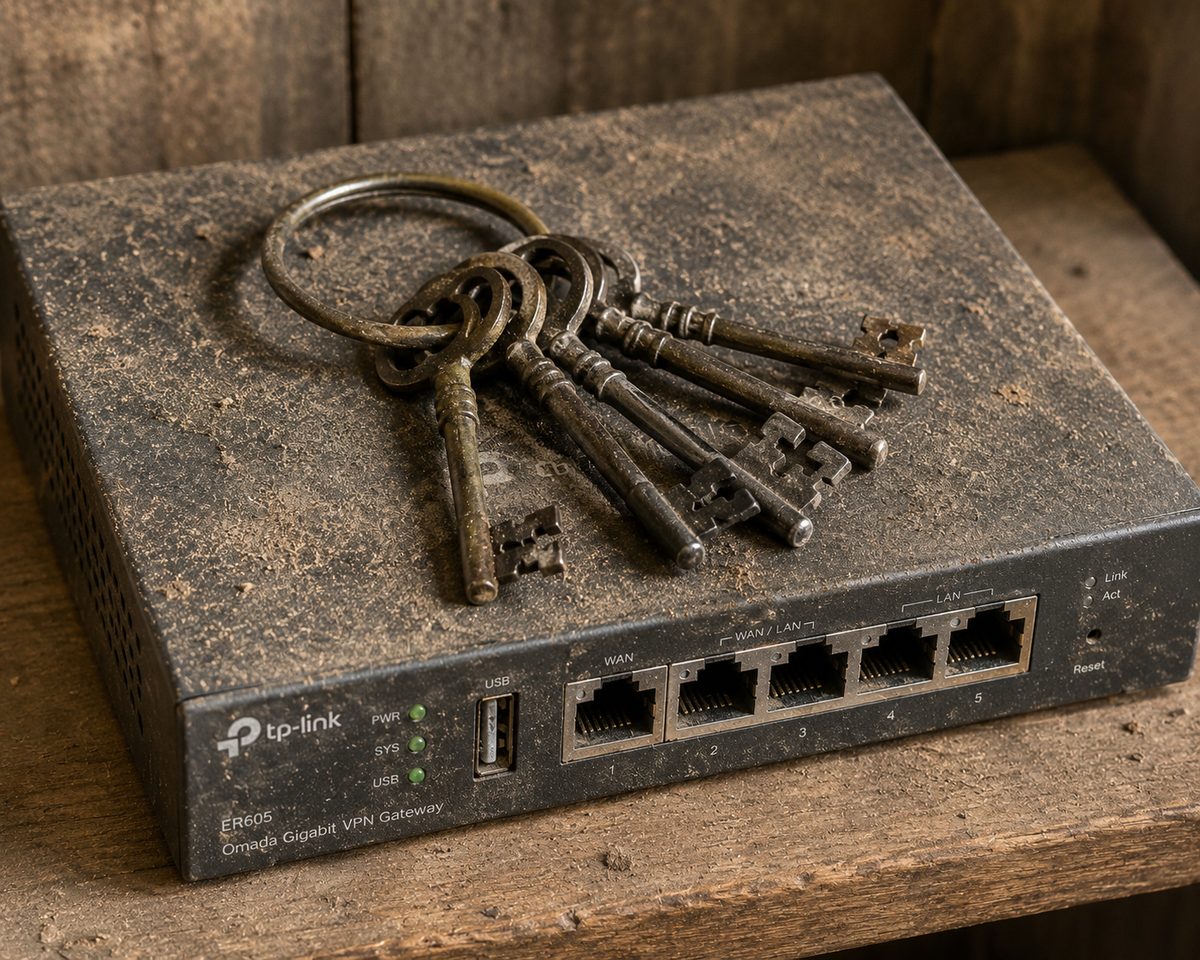
Before Anything Else: Getting the Keys to the Kingdom

There's another part of onboarding that rarely gets talked about.
Before a new MSP can properly support your business, they need access to it.
That means gathering credentials, vendor information, licenses, documentation, and all the knowledge that's been accumulated over the years.
A good MSP doesn't just ask for passwords.
They help make sure you actually regain control of everything that belongs to your business.
That usually includes:
- Firewall credentials
- Microsoft 365 admin accounts
- Domain registrar access
- Backup systems
- ISP accounts
- Vendor contacts
- Software licensing information
- Network diagrams
- Knowledge base articles
- Configuration documentation
- Administrative passwords
And no, an Excel spreadsheet containing 20 passwords from various points in history is not documentation.
Neither is a PDF with half the passwords missing.
Neither is "we'll send that over later."
A professional transition includes a complete handoff of everything related to your environment.
Because you've already paid for it.
This is one of the biggest misconceptions business owners have when switching providers.
Some MSPs act like documentation is their property.
It isn't.
If you've been paying a provider every month to document your network, create diagrams, record configurations, maintain vendor information, and build knowledge articles about your environment, that information belongs to your business.
Not the MSP.
We've seen outgoing providers hand over complete documentation packages, network diagrams, passwords, vendor lists, and years of accumulated knowledge.
Those transitions are smooth.
We've also seen transitions where all that arrived was a spreadsheet named:
"Passwords_Final_v3_ActuallyFinal.xlsx"
Those transitions are considerably less smooth.
A simple question every business owner should ask: if your MSP disappeared tomorrow, could another provider take over your environment within a day? If the answer is no, then you probably don't own as much of your IT environment as you think you do.
A good MSP helps facilitate the transition, gathers what should already exist, identifies what's missing, and makes sure your business regains ownership of its own technology.
Because no company should ever feel locked out of systems they own and pay for every month.
Weeks 2–4: Writing Down What Only Lived in Someone's Head
This is the least exciting part of onboarding.
It's also one of the most important.
Every MSP eventually discovers what I call "The Notebook."
Not necessarily an actual notebook, although sometimes it is.
More often it's a collection of sticky notes, old emails, spreadsheets, screenshots, and institutional knowledge held together by hope and the memory of a guy named Dave who set up the network ten years ago and moved to Arizona.
Somewhere in that pile are:
- Passwords
- Vendor contacts
- Software licenses
- Network settings
- Backup information
- Critical systems nobody wants to touch because nobody remembers how they work
A good MSP starts documenting all of it.
Network diagrams.
Server configurations.
Wireless settings.
Internet providers.
Vendor contacts.
Licensing.
Backup systems.
Everything.
Because when something eventually breaks—and eventually something always does—the difference between a 20-minute fix and a six-hour archaeology expedition is usually documentation.
A simple test for any provider: ask what happens to your documentation if you leave. The answer should never involve a negotiation. The correct answer is: "It's yours." Your business should never be held hostage by information about its own technology.
Days 30–60: The Quiet Hardening
By the second month, the picture is clear.
The environment is documented.
Now the focus shifts toward making things safer and more stable.
Usually in ways you'll barely notice.
This is where backups get tested instead of assumed.
Patching gets scheduled instead of happening whenever someone remembers.
Multi-factor authentication gets added to important accounts.
Firewall rules get reviewed.
Old remote-access doors that have been quietly standing open for years finally get closed.
Most of this work happens in the background.
And that's exactly how it should be.
Nobody needs a "military-grade AI-powered quantum cyber fortress."
You need the basics done consistently.
That's where most environments struggle.
You'll also start to see the everyday annoyances disappear.
The printer that only works on Tuesdays.
The shared drive nobody can find.
The laptop that takes four minutes to log in.
The scanner that requires a small ritual and three attempts before it decides to cooperate.
These aren't emergencies.
But fixing them is how trust gets built.
Days 60–90: Things Go Quiet (That's the Goal)
Good IT is weird.
Most businesses call an MSP because something is on fire.
The server is acting up.
The internet keeps dropping.
The printer has decided it no longer believes in teamwork.
People are frustrated.
Then something strange happens.
The fires stop.
The tickets slow down.
Nobody is talking about the server anymore.
The printer starts behaving itself.
The recurring problems stop recurring.
And eventually someone asks:
"So...what exactly are we paying for?"
Which is a little like asking why you keep paying for smoke detectors after your house hasn't burned down.
The goal of good IT isn't heroic recoveries.
It's boring reliability.
By month three, your provider should be spending less time reacting to problems and more time helping you avoid them altogether.
That's when the relationship starts shifting from break-fix support to proactive guidance.
What's aging out?
What should be budgeted for replacement?
Where are the risks?
What could make the team more productive?
What should be addressed now before it becomes an emergency later?
The best compliment an MSP can receive isn't:
"Thanks for fixing that."
It's:
"Nothing has broken in months."
Because that's the whole point.
Why Local Actually Matters
When your systems go down at 7:15 in the morning, you don't care that your ticket has been "escalated to Tier 2."
You care whether somebody understands your environment and can help quickly.
There is a real difference between an IT company that is part of the Lincoln community and a national help desk with a Nebraska phone number forwarding somewhere else.
A local provider knows the local internet carriers.
Knows the local vendors.
Knows the businesses.
Can show up in person when a screen share isn't enough.
And yes, understands that parking downtown Lincoln somehow manages to be both impossible and mildly unlawful at the same time.
That proximity changes the entire experience.
It's the difference between being a ticket number and being a neighbor.
What Good Onboarding Feels Like (And What It Doesn't)
You don't need to understand subnets, VLANs, DNS, or patch management to know whether onboarding is going well.
The signals are surprisingly human.
Things are going well when:
- Communication is clear
- You understand what you have
- Problems get explained in plain English
- Documentation starts appearing
- Surprises become less frequent
It's worth asking more questions when:
- Nobody can explain what's happening
- Documentation never materializes
- Every request turns into a billable adventure
- The same problems keep coming back wearing different hats
You don't have to be technical.
You just have to notice whether things are getting calmer or staying chaotic.
How We Approach the First 90 Days at AOtech
We're a veteran-owned managed IT company based right here in Lincoln.
We intentionally stay smaller and relationship-focused because we'd rather onboard a handful of businesses properly than rush through dozens.
That means we start with discovery.
We document everything.
We help businesses regain ownership of their accounts, credentials, and documentation.
We stabilize before we change.
We put practical security in place without the theater.
And we work toward something most businesses haven't experienced in a long time:
Quiet.
Because the point of IT support isn't to keep someone busy fixing problems.
It's not to create impressive-looking reports.
And it's definitely not to generate more tickets.
The point is to make technology so reliable that you stop thinking about it.
Your team should be focused on running the business.
Not wondering why the printer is angry again.
Frequently Asked Questions
How long does onboarding with a new IT provider take?
Most of the heavy lifting happens in the first 90 days: roughly two weeks of discovery, a few weeks of documentation and gaining ownership of your accounts, then 30 to 60 days of stabilizing and securing the environment. By day 90, things should feel noticeably calmer, and the relationship shifts from reactive to proactive.
What does the first 90 days of IT support in Lincoln, NE include?
Discovery and mapping of your environment, a complete handoff of credentials, licenses, and documentation, written documentation of your network and systems, then practical security work — tested backups, scheduled patching, multi-factor authentication, and a firewall review. The goal is a stable, well-documented environment you fully own.
Do I get access to my own passwords and documentation?
Yes. Documentation, credentials, network diagrams, and vendor records about your environment belong to your business — not the provider. A professional MSP hands all of it over and makes sure you could move to another provider within a day if you ever needed to.
Do I have to sign a long-term contract for managed IT?
Not with us. We work on a flat monthly model with month-to-month agreements after onboarding. Good providers keep clients by communicating well and solving problems — not by locking them into multi-year contracts.
Thinking About Switching IT Support?
If you're considering changing IT support in Lincoln, NE, let's have a conversation.
We'll spend 15 minutes learning about your environment, answering your questions, and being honest about whether we're the right fit.
Sometimes we are.
Sometimes we're not.
But you'll leave the conversation with a clearer picture of what good IT support should actually look like.
Schedule a 15-minute call and we'll tell you honestly whether AOtech is the right fit for your business.