
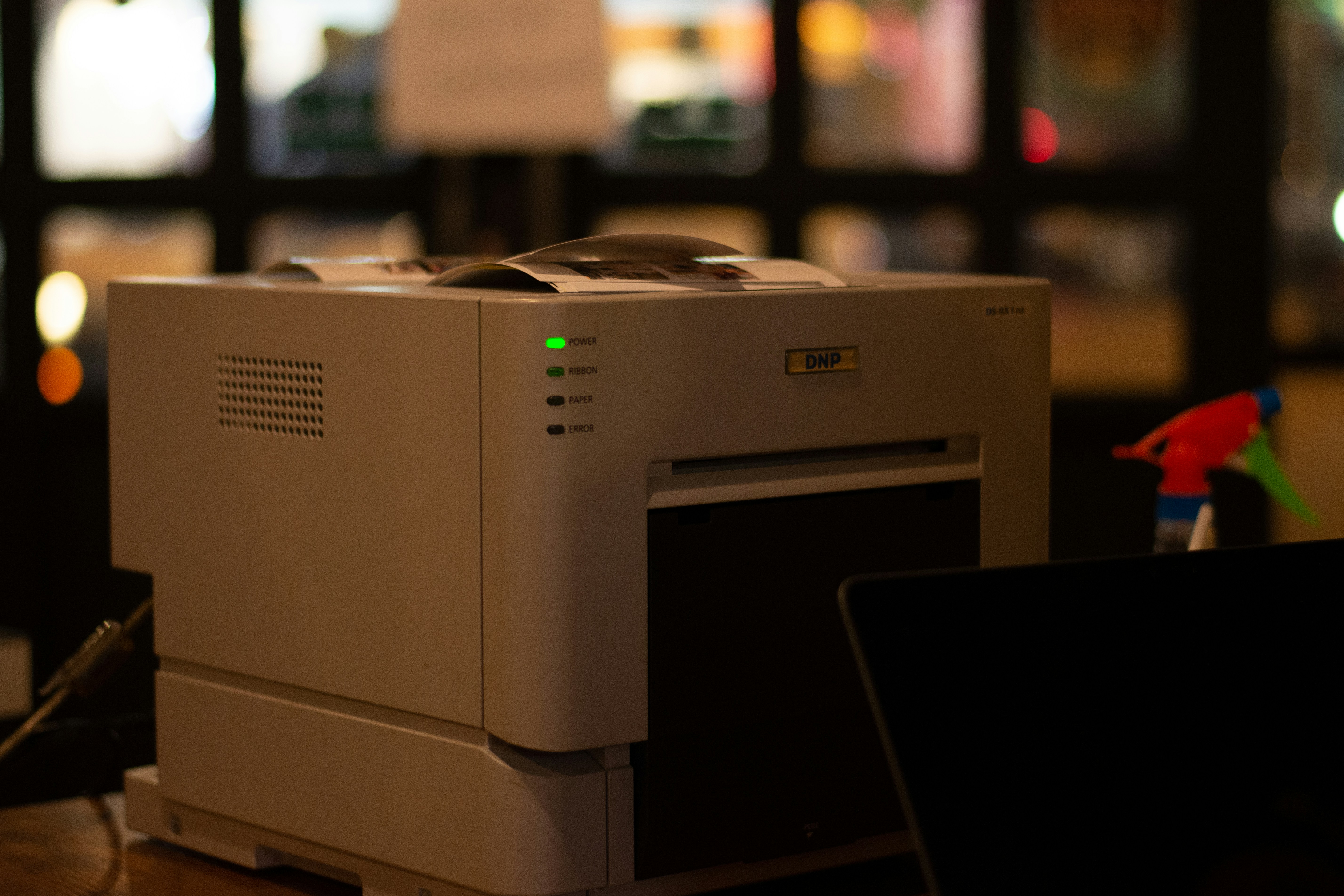
When most people think about cybersecurity risks, they think about servers, hackers, phishing emails, or employees clicking something they shouldn't.
Very few people think about the printer sitting quietly in the corner.
And honestly? That's part of the problem.
Modern business printers are no longer "just printers." They're computers. Network-connected computers — often with hard drives, operating systems, web interfaces, email access, cloud integrations, and direct access to your internal network.
Yet most businesses treat them like harmless office furniture.
We've walked into environments where printers still had default admin passwords, open SMB shares, outdated firmware, scan-to-email configured with overly privileged accounts, unrestricted internet access, and years of stored documents sitting on internal drives. Most business owners had absolutely no idea.
Printers store more than you think
Many enterprise printers cache or permanently store scanned documents, payroll records, HR paperwork, invoices, contracts, healthcare information, and customer data. Some devices retain this information even after being replaced or sold.
That copier in the office? It may contain years of sensitive business documents — and if it walks out the door without being properly wiped, so does that data.
The "set it and forget it" problem
Printers are often deployed once and ignored forever. Unlike laptops or servers, they rarely get firmware updates, password audits, security reviews, or proper network segmentation.
But attackers know this. Printers are commonly underprotected, sometimes internet-accessible, running outdated software, and trusted internally by the network. That combination makes them an easy foothold into a business environment — not because they're powerful, but because nobody's watching them.
One of the biggest risks: scan-to-email
Scan-to-email is incredibly useful. It's also commonly configured in unsafe ways.
We frequently see shared mailbox credentials embedded directly into devices, overly permissive email accounts, legacy authentication still enabled, accounts without MFA, and SMTP settings copied from devices installed ten years ago and never reviewed since.
That means a compromised printer can sometimes become a launch point for phishing, internal spoofing, credential theft, and lateral movement inside the network. Not because anyone was careless — because nobody thinks to question the printer.
The goal isn't fear — it's awareness
This doesn't mean businesses need to panic and replace every copier tomorrow. It just means printers should be treated like any other network-connected device.
That includes changing default passwords, updating firmware regularly, reviewing what's stored on internal drives, limiting network access, segmenting printer traffic from business-critical systems, auditing scan-to-email settings, and securely wiping devices before disposal.
Good security usually isn't about one dramatic fix. It's about paying attention to the things everyone else ignores.
And sometimes, the most dangerous device in the building is the one quietly asking if you'd like to print in color.