There's a moment every IT provider knows. You've just been brought in by a new client — they're frustrated, something broke recently, and they're ready for a change. You sit down, ask for the credentials, start poking around.
And then you find it.
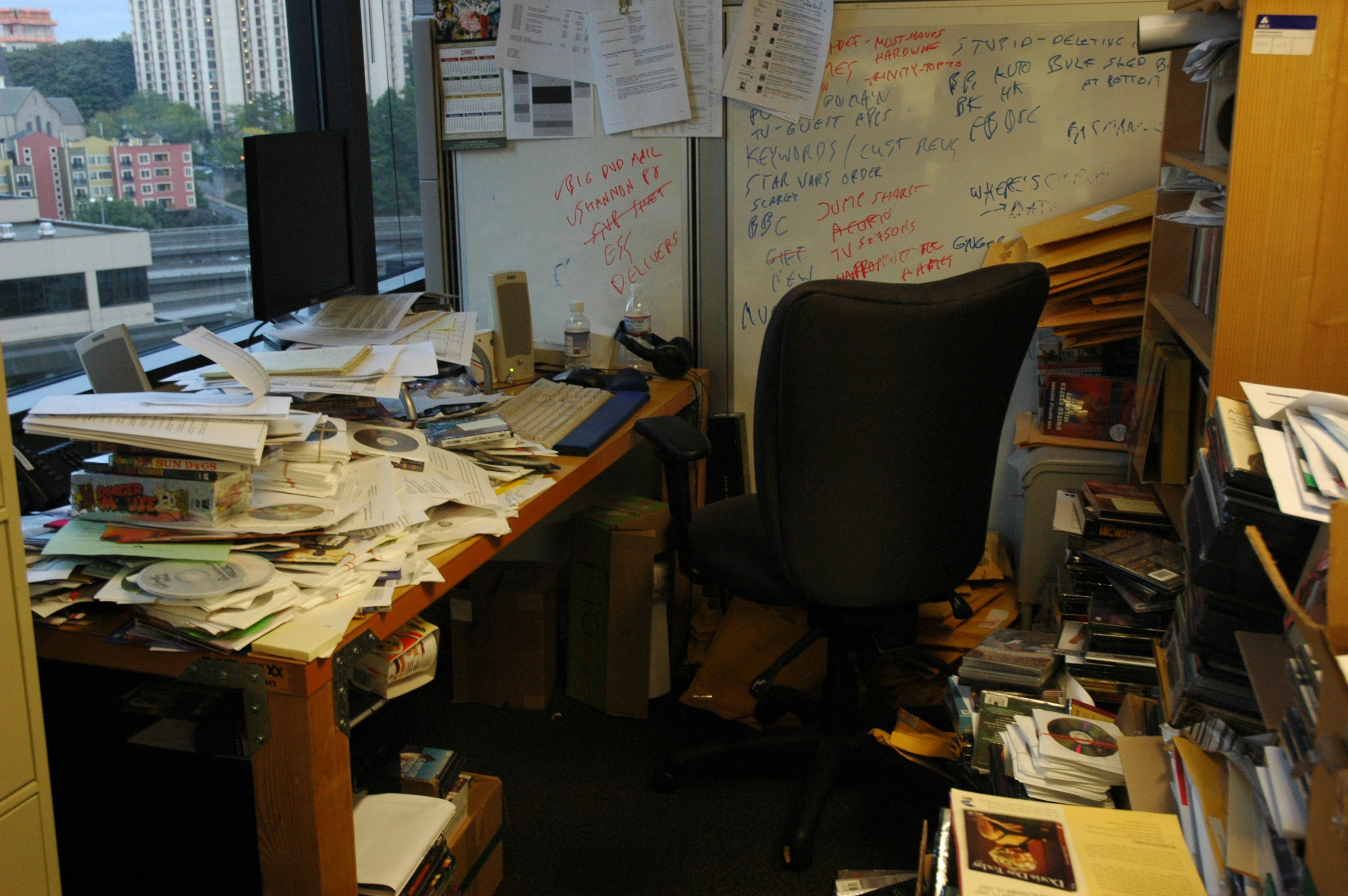
The server that nobody's touched since 2019. The admin account that still belongs to an employee who left two years ago. The firewall with the default password. The backup job that's been silently failing for months and nobody knew.
This isn't unusual. This is Tuesday.
Why every IT environment looks like this
Small businesses don't end up with chaotic IT environments because the people running them are careless. They end up there because IT gets treated like infrastructure — something you set up once and don't think about until something breaks.
The previous IT person left and took their knowledge with them. The MSP before us was responsive but never proactive. Software got installed, accounts got created, systems got added — and nobody kept a running record of any of it. Things worked, mostly, so nobody looked.
Meanwhile, under the surface: passwords haven't rotated in years. Licenses have expired or are being paid for systems nobody uses. Half the devices aren't enrolled in any management platform. The antivirus on the server is a consumer product someone bought on Amazon in 2021.
You can't fix what you haven't mapped. And you can't map what nobody documented.
What the first 30 days actually look like
When we take over a new environment, we don't start fixing things. We start looking.
The first priority is documentation — building a complete picture of what exists, how it's connected, and what state it's in. Every device. Every user account. Every application. Every license. Every firewall rule. Every backup job. We use automated tooling to accelerate this, but we also spend time asking questions and poking at things manually, because automated discovery only tells you what it can see.
This phase typically surfaces two categories of findings: things that are broken and need immediate attention, and things that are technically "working" but represent risk or unnecessary cost. Both matter.
The immediate stuff gets addressed first. Expired certificates causing outages. Failed backup jobs. Domain admin accounts belonging to former employees. Open RDP exposed to the internet. These aren't theoretical risks — they're active problems, and they get fixed before anything else.
The longer-term stuff gets documented, prioritized, and presented. We don't show up with a list of 47 things that need to be fixed right now. We explain what we found, what the actual risk is, what it costs to address it, and what we'd recommend tackling first based on impact and effort.
The things we almost always find
After enough of these transitions, certain patterns become familiar. Not every environment has every problem, but most have most of them:
- No MFA on Microsoft 365 — or MFA only on some accounts, usually not the admin ones
- Shared credentials — one password that five people use, stored in a shared spreadsheet or just passed around verbally
- Stale user accounts — former employees still enabled in Active Directory or Entra ID, sometimes with active licenses still assigned
- Undocumented devices — machines on the network that nobody can account for, sometimes running ancient operating systems
- Backup blind spots — backup jobs configured but never verified, retention policies nobody has reviewed, critical data on local drives that aren't backed up at all
- License sprawl — paying for software they don't use, not paying for software they do, and no clear inventory of either
- Firewall rules from a previous IT person — rules added for one-off purposes that never got cleaned up, sometimes allowing access that shouldn't exist
- No endpoint management — devices joining and leaving the network with no enrollment, no patch visibility, no way to wipe a lost machine remotely
None of these are unusual. None of them mean the business was being irresponsible. They're the natural result of IT infrastructure that grew organically over years without consistent oversight.
The goal isn't to criticize what came before
We're not in the business of telling new clients how bad their previous IT was. That's not productive, and frankly, we've seen environments in every state imaginable. The goal isn't a grade — it's a foundation.
What we want to hand a client at the end of the first 30 days is clarity. A complete picture of their environment, a prioritized list of what needs attention, and a plan for making it solid. Not perfect — solid. Something they can rely on.
From there, managed IT becomes what it's supposed to be: proactive, predictable, quiet. Patches get applied before vulnerabilities are exploited. Backups get verified before data gets lost. Licenses get audited before they balloon out of control. Problems get caught before they become emergencies.
If you're not sure what state your IT is in
Most business owners don't know. That's not a knock — it's just the reality of running a company where IT is a support function, not your core product. You know it mostly works, mostly. You have a vague sense there are things that should probably be looked at. But you don't have visibility, and whoever's currently handling it either doesn't have the bandwidth or hasn't made it a priority.
That's the version of the conversation we have most often. Not a crisis. Just a quiet awareness that something isn't quite right, and a lack of confidence in what's actually under the hood.
If that sounds familiar, the answer isn't a big proposal or an expensive engagement. It's a conversation. We'll tell you what we'd look at and why, and if you want, we'll do a basic assessment and show you what we find. No obligation. No pitch.
Inherited. Broken. Fixable — but only once you know what you're working with.